Zip Captions
Zip Solutions
Also known as ZipCaptions
Free browser live captions for conversations and shared events, with optional paid cloud speech recognition.
What Zip Captions does
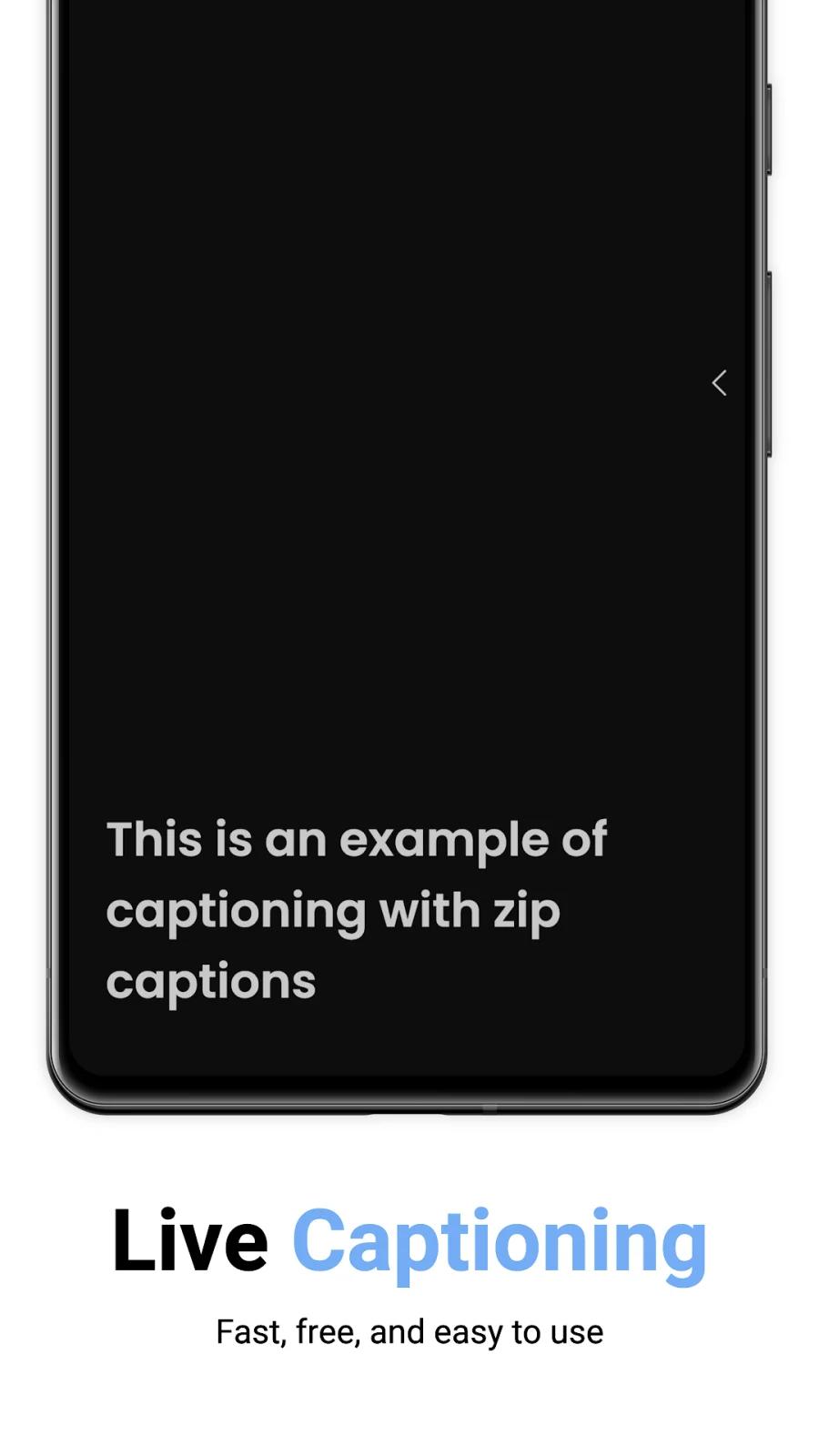
Zip Captions turns speech picked up by a microphone into live text in your browser. Regular captioning is free without an account, and a broadcaster can share captions for others to read on their own devices. You can adjust the text display and save or edit local transcripts as TXT, SRT or VTT files. Optional paid Azure AI captioning has monthly hour allowances. Free local translation generation requires a supported desktop browser; mobile viewers can read a translation supplied by a broadcaster.
How it compares
Free browser broadcasts beside Live Caption AI's paid presenter plan
Zip Captions includes unlimited Regular browser captioning and free broadcast viewing. Live Caption AI puts audience broadcasting in its Professional plan. Zip can also generate translated captions free in supported desktop Chrome or Edge; Live Caption AI Professional includes a monthly live-translation allowance. Phone viewers can read translations sent by a Zip broadcaster.
Local text transcripts compared with Otter's saved recordings
Zip Captions saves text transcripts locally when you enable Transcripts, and lets you edit or export them. It does not save the original audio. Otter records the conversation and saves the recording, which suits a workflow where you want to listen again as well as read.
Features
Captions
- Supported: Live conversation captions1
- Conditional: Live device-audio captions2Mac · Windows · Browser only
- Conditional: Two-language caption display5Mac · Windows · Browser only
- Supported: Caption history
- Supported: Shared group captions
- Conditional: Floating caption window6Mac · Windows · Browser only
- Supported: External caption displayMac · Windows · Browser only
- Supported: Caption engine1Platform caption service · Automatic speech recognition
Transcripts & notes
- Not supported: Audio recording
- Conditional: Direct system-audio capture2Mac · Windows · Browser only
- Supported: Editable transcripts
- Supported: Transcript export
- Supported: Timed-caption export
- Supported: Export formatsSRT · TXT · VTT
Audio input & output
- Supported: Audio inputsDevice microphone · External microphone
- Supported: Live outputsOn-screen text
Compatibility
- Supported: Required hardwareA microphone for speaker-side speech capture
Availability & access
Accessibility
- Supported: Caption text size
- Supported: Caption contrast controls
- Supported: Caption placement
- Supported: Caption line spacing
- Supported: Dark appearanceMac · Windows · Browser only
- Supported: Caption display controlsText size · Contrast · Line spacing · Placement
Privacy & data
- Supported: Audio processingCloud
- Supported: Data storageDevice · Developer cloud
- Supported: Outside processorsMicrosoft Azure AI Speech to Text — optional paid speech recognition
- Supported: Audio sent off device
- Supported: Text sent off device
- Supported: Delete account
- Regular plan
- Requires separately configured virtual audio-routing software: Voicemeeter on Windows or BlackHole on macOS.
- Generating translations requires desktop Chrome 138+ or Edge 148+ with a supported Translator API and a downloaded language-pair model. Mobile browsers and Safari cannot generate translations locally.
- Mobile and other unsupported browsers can view translated captions only when the broadcaster supplies the translation.
- Requires enabled Live Translation in a supported desktop browser and the necessary downloaded language-pair model.
- Requires a desktop browser supporting Document Picture-in-Picture (Chrome/Edge 116+). Safari and Firefox do not support this mode.
Google Play ratings & reviews
Google Play did not publish an aggregate rating for this listing.
Praise
- One June 2025 commenter said captions helped them follow conferences and training and valued free access; this is an individual report, not a current performance measurement.
- An August 2024 commenter expressed general approval of the app and free accessibility; the brief comment supports no specific feature or accuracy claim.