App-VerzeichnisGoogle
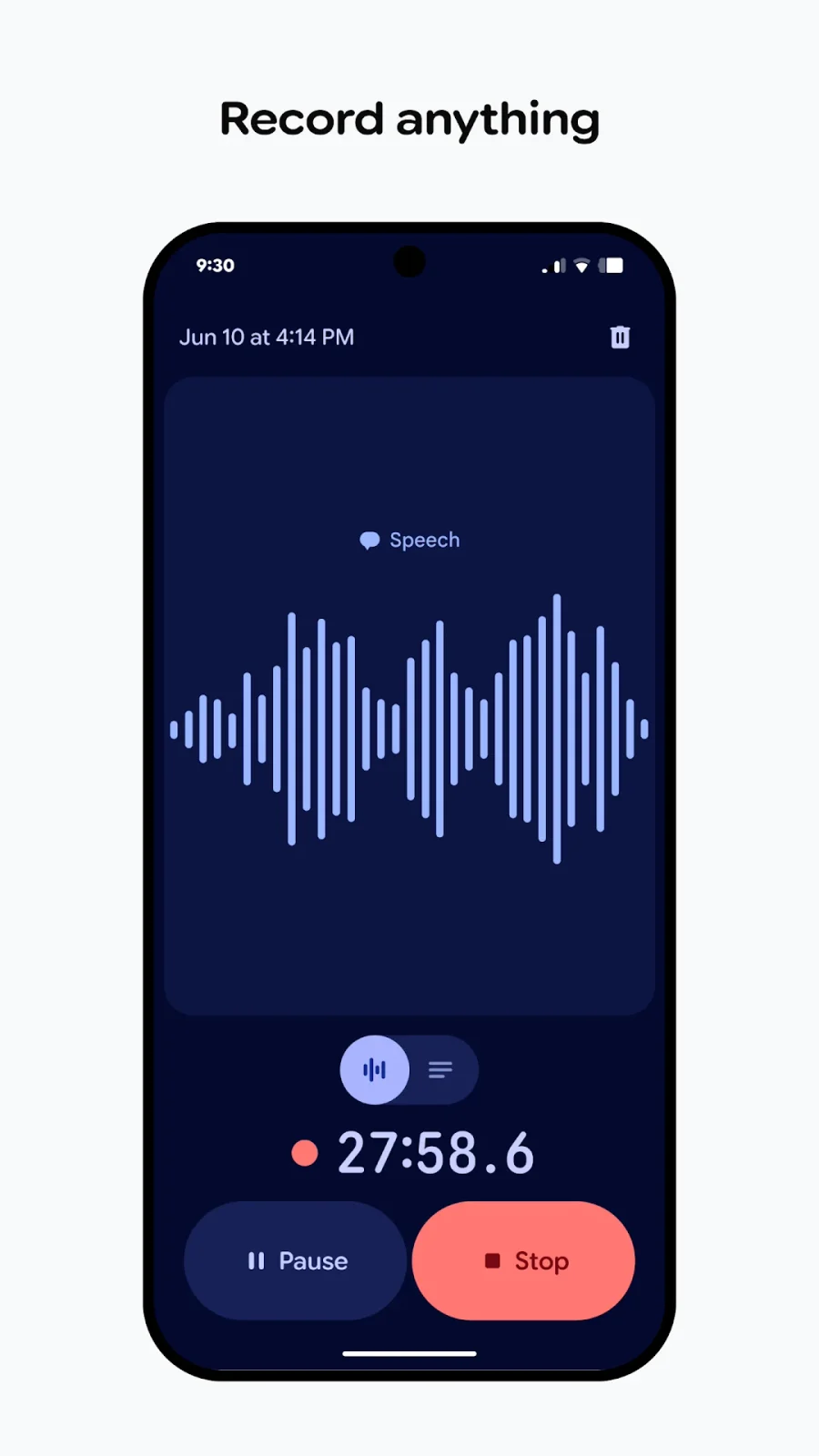
Google Recorder
Nimmt Audio auf und transkribiert es; mit Funktionen zur Verwaltung von Aufnahmen und Transkripten.
Funktionen
Untertitel
Transkripte und Notizen
- Bedingt: Transkript nach der Aufnahme19
- Bedingt: Audio recording11
- Bedingt: Zusammenfassungen20
- Bedingt: Search across recordings21
- Bedingt: Synchronisierte Wiedergabe22
- Bedingt: Editable transcripts13
- Bedingt: Transcript export23
- Bedingt: Audio export23
- Bedingt: Shared notes24Auch auf Browser
- Bedingt: Personal-cloud sync25Auch auf Browser
- Bedingt: Watch recording26
- Bedingt: Export formats27TXT · Audio · Andere
Audioeingang und -ausgang
Kompatibilität
- Unterstützt: Required hardwareGoogle Pixel 3 or later phone · Google Pixel Tablet
Verfügbarkeit und Zugang
- Bedingt: Erkennungssprachen1Chinesisch · Englisch (Australien) · Englisch (Indien) · Englisch (Irland) · Englisch (Singapur) · Englisch (Vereinigtes Königreich) · Englisch (Vereinigte Staaten) · Französisch · Französisch (Kanada) · Deutsch · Hindi · Italienisch · Japanisch · Spanisch
- Unterstützt: Account requirement2Optional
- Bedingt: Internet required3
Datenschutz und Daten
- Bedingt: Audioverarbeitung4Auf dem Gerät
- Bedingt: Datenspeicherung5Gerät
- Bedingt: Model-training policy6Mit ausdrücklicher Zustimmung
- Bedingt: Audio retention7548 Tage
- Bedingt: Outside processors8Google servers (re-transcription of existing recordings) · Google cloud isolated environment (AI summaries) · Google Account storage (backup & sync, recorder.google.com)
- Bedingt: Audio sent off device9
- Bedingt: Text sent off device10
- Bedingt: Delete recordings11
- Bedingt: Local-only mode12
- This list applies to real-time transcription on Pixel 6 and later. Older Pixels and re-transcription have different language lists.
- Recorder can be used without a Google Account; backup and sync are a separate choice.
- Only for AI summaries in certain languages; summaries require Pixel 8 or later. Re-transcribing an existing recording may also use Google servers.
- Initial recording transcription uses an on-device service. Re-transcribing an existing recording may use Google servers.
- Applies when using Recorder without a Google Account. This does not describe optional online backup or processing.
- Recordings and transcripts reach Google for product improvement only when the user chooses "Help us improve Google products". Separately, Recorder uses federated analytics and learning, which Google says shares only anonymized insights or models.
- Applies only to recordings the user chooses to donate to Google, which are kept on Google servers for 1.5 years (about 548 days). Separately, the on-device transcription service discards the audio after transcribing it, and recordings saved in the app stay until the user deletes them.
- All named processing is by Google (first party); the Play Data safety label states no data is shared with third parties. Each path applies only when its feature is used.
- Only when the user turns on backup & sync (recordings are stored in the Google Account) or re-transcribes a recording, which may use Google servers. The first transcription uses an on-device service.
- For AI summaries (Pixel 8 or later), the transcript is summarized by a large language model in an isolated cloud environment.
- Available on Pixel 3 and later phones and Pixel Tablet.
- Use Recorder without a Google Account (Pixel 3 and later, including Fold) to keep recordings on the device. Re-transcription and AI summaries are separate paths that may use Google servers. Since a recent update, recordings are also copied to the Files app by default; this can be turned off in settings.
- Real-time recognition languages depend on the Pixel model. Editing applies to the saved transcript.
- Speaker labels require Pixel 6 or later, including Fold, and US English.
- Pixel 6 or later, including Fold; speaker labels are available only in US English. Generic labels (Speaker 1, 2…) can be renamed in the transcript editor.
- Corrections are made in a saved recording's transcript, one word at a time, on a supported Pixel phone or Pixel Tablet.
- The transcript is saved with the recording and can be reopened later on a supported Pixel phone or Pixel Tablet.
- Pixel 6 or later, including Fold; US English only; speaker labels must be turned on in Recorder settings. Voice models are computed on the device.
- Erfordert ein unterstütztes Google-Pixel-Gerät.
- Summary support depends on the Pixel model, language and recording length. Google describes cloud processing for this feature.
- Documented for searching speaker names from the Recorder home screen across transcripts; speaker labels need Pixel 6 or later and US English.
- Search within a saved recording on a supported Pixel phone or Pixel Tablet shows when the word or sound occurred.
- Share the recording or transcript using the supported Pixel export workflow.
- Requires backup to a Google Account. Links can be private, public, or limited to specific people, and only email addresses associated with a Google Account can be added.
- Optional backup & sync to the user's Google Account, viewable at recorder.google.com. It uses Google Account storage shared with Photos, Drive and Gmail.
- Recorder on Pixel Watch (Wear OS), paired with a Pixel phone ("only compatible with Pixel phones"). Recordings are limited to 30 minutes. Transcripts and summaries are produced after syncing to the phone. Platform recorded as android because the schema has no Wear OS value.
- Audio file and transcript (.txt) via the share sheet. Other options are transcript to Google Docs or NotebookLM, and a video clip of up to 5 minutes.
- Records through the Pixel phone, Pixel Tablet or Pixel Watch itself. External microphones, file import and system audio are not documented.
- Real-time transcription is shown on the transcript screen while recording. The language list depends on the Pixel model (Pixel 3–5a vs Pixel 6 and later).
Bewertungen und Rezensionen im Google Play
Lob
- Recording and transcription are useful for notes and meetings.
Kritik
- Search, file access, export and control choices frustrate some users.
- Some reviewers report missing recordings, silent audio or unreliable transcription.