App-Verzeichnis
Widex Allure app
Widex AS
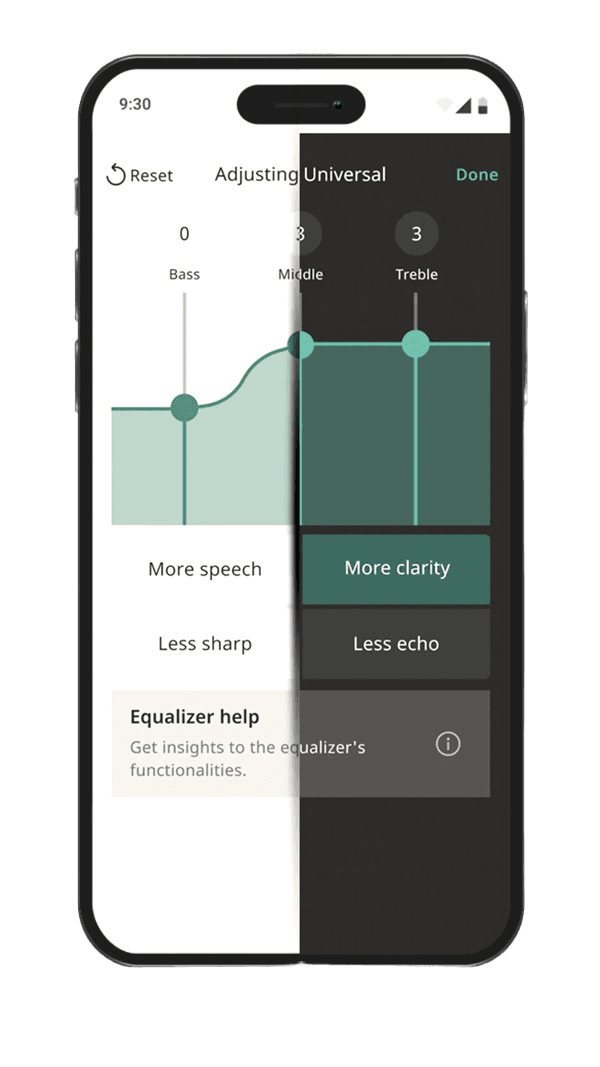
Controls Widex Allure hearing aids: volume, programs, tone, microphone direction, a lost-aid finder and Apple Watch control.
Funktionen
Audioeingang und -ausgang
- Bedingt: Live outputs7Audio über Hörsysteme
Hörsystemsteuerung
Kompatibilität
Verfügbarkeit und Zugang
Barrierefreiheit
- Unterstützt: System text scaling
- Unterstützt: Dark appearance4
Datenschutz und Daten
- Both store listings state the app is intended only for users aged 18 and over; use also requires Widex Allure hearing aids.
- The app is free to download and no paid plan is documented, but it only functions with purchased Widex Allure hearing aids. Evidence: Setup > Installation (p.5).
- Evidence: Getting started > Compatibility > Hearing aids (p.4).
- Evidence: More > App settings (p.19).
- Per the privacy notice linked from the App Store listing (which names the 'Dua App'): WSA collects device, app-usage and hearing-aid data (serial, model, IDs) for regulatory purposes, and with consent hearing-loss and usage data for R&D; hosted by third-party processors. Audio storage is not described. Evidence: 4. Data processed when you use the App; 8. Our data processors.
- By request to WSA (privacy@wsa.com or the DPO) under GDPR access/portability rights; no in-app export is documented. Evidence: 11. Your rights.
- Phone audio (calls, music) is streamed to compatible Widex Allure hearing aids; Android streaming needs ASHA or LE Audio support.
- Requires compatible hearing devices and a supported phone. Functions vary with model, firmware and professional configuration.
- Requires supported Apple Watch, paired compatible iPhone and hearing devices. Other phone-app features are not established on the watch.
- Widex Allure app: compatible Allure hearing aids; Apple Watch needs paired iPhone and exposes a subset of features; finder requires location/Bluetooth prerequisites.
- Widex Allure app: compatible Allure hearing aids; Apple Watch needs paired iPhone and exposes a subset of features; finder requires location/Bluetooth prerequisites. Location permissions and a previous connection may be required; last-known location is not live GPS in the hearing aid.
- Requires Widex Allure hearing aids paired as MFi hearing devices with an iPhone on iOS 17 or later; the app enters streaming mode and offers separate stream and surroundings volume. Evidence: Compatibility > iOS (p.4); Streaming to your hearing aids (p.17).
- Requires Widex Allure hearing aids and an Android phone supporting ASHA (Android 11 or later) or LE Audio (Android 14 or later; Widex lists Google Pixel 8 and newer, Samsung S23 and newer excluding S23 FE, Flip/Fold 5 and newer). Not all Android devices support ASHA. Minimum OS: Android 11 (ASHA) / Android 14 (LE Audio).
- Evidence: Getting started > Intended use; Compatibility > Hearing aids (p.4).
- With Widex Allure hearing aids: app control on iPhone (iOS 17+) and Android; direct streaming on iPhone and on Android phones with ASHA (Android 11+) or LE Audio (Android 14+). Apple Watch offers only volume, mute, program and battery. Evidence: Intended use; Compatibility (p.4).
Bewertungen und Rezensionen im App Store
Lob
- One reviewer reports reliable connections, useful AI fine-tuning and settings returning correctly after streaming.
Kritik
- Other sampled reviewers describe repeated Bluetooth failures and disruptive reconnection steps.
Bewertungen und Rezensionen im Google Play
Kritik
- Repeated pairing, compatibility and update problems, including recent reports.
- Limited or unavailable sound-customization controls frustrate some reviewers.
Gemischtes Echo
- Some users report working connections or helpful phone audio; others describe one-sided streaming.
Hörsysteme
Enthält dokumentierte kompatible Produkte und Modelle, die in unserem Katalog verknüpft sind. Funktionen können von deinem Modell, Smartphone und der Firmware abhängen. Beachte mögliche Einschränkungen in den Kompatibilitätsangaben.