App directory
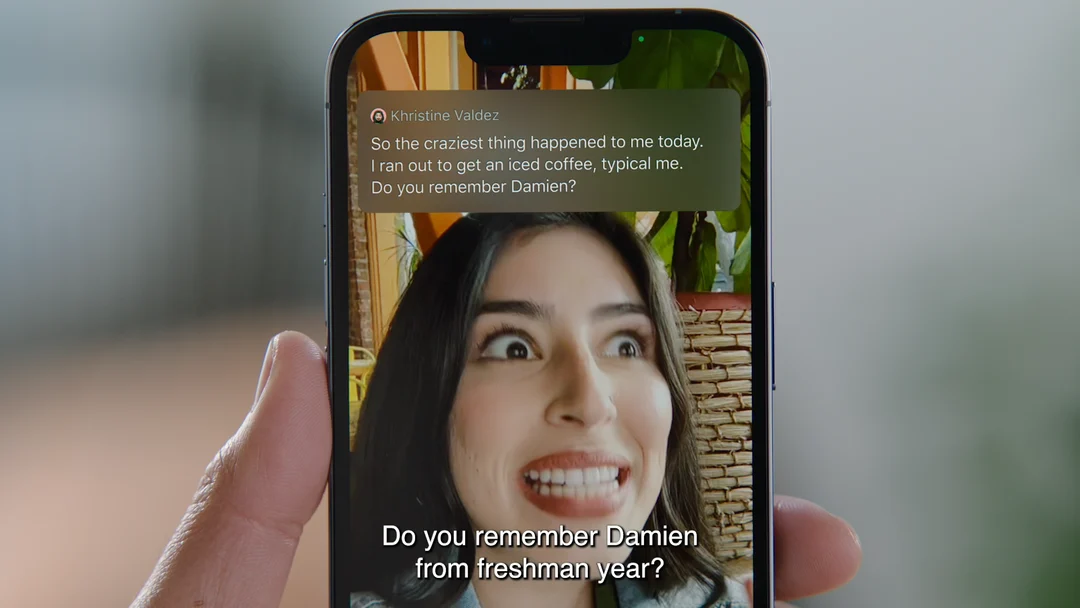
Apple Live Captions
Apple
Built-in captions for device audio and speech picked up by a microphone.
Features
Captions
Compatibility
- Conditional: Required hardware20iPhone 11 or later · iPad with A12 Bionic or later · Mac with Apple silicon
Availability & access
- Conditional: Recognition languages1, 2Cantonese (China mainland) · Cantonese (Hong Kong) · English (Australia) · English (Canada) · English (India) · English (Singapore) · English (United Kingdom) · English (United States) · French (Canada) · French (France) · German (Germany) · japanese · korean · Mandarin Chinese (China mainland) · Mandarin Chinese (Taiwan) · Spanish (Mexico) · Spanish (Spain) · Spanish (United States)
- Conditional: Service eligibility3Open access
- Conditional: Internet required4Mac only
- Supported: Initial model downloadMac only
Accessibility
- Conditional: Screen-reader support5Mac only
- Supported: Keyboard navigationMac only
- Supported: Caption display controlsText size · Color · PlacementMac only
Privacy & data
- Not supported: Audio sent off deviceMac only
- Listed for iOS and iPadOS 27; availability also depends on country or region. Minimum OS: iOS 27 / iPadOS 27 (page version).
- Mac with Apple silicon; availability also depends on country or region.
- Built into the OS for anyone with a supported device; Apple states it is not available in all languages, countries or regions.
- Only for the first-time language-data download on Mac; Apple does not state that ongoing captioning needs a connection.
- With VoiceOver and a braille display; captions are output to the braille display via the Application Chooser.
- Clears the current Live Captions transcription; call captions kept for up to 1 hour (Keep Call Captions) are cleared this way or expire.
- Clears the current Live Captions transcription.
- Call captions only, when Keep Call Captions is set to 1 Hour; an announcement also plays if captioning is paused or switched to 1 Minute.
- Call captions only, when Keep Call Captions is set to 1 Hour.
- Supported hardware, language and region are required.
- Check compatibility for the specific Apple device.
- Only in FaceTime video calls; not documented for microphone or device-audio captions.
- Live Translation (Apple Intelligence) in one-on-one FaceTime calls; needs an Apple Intelligence-enabled iPhone (iPhone 15 Pro or iPhone 16 or later), downloaded languages, and supported language/region; usage limits may apply. Languages: English (UK, U.S.), French (France), German, Italian, Portuguese (Brazil), Spanish (Spain), Chinese (Simplified), Chinese (Traditional), Japanese, Korean.
- Apple Intelligence on a supported Mac, one-on-one FaceTime calls, supported languages and regions; usage limits may apply.
- iPhone 11 or later in a supported language/region. Call captions follow the Keep Call Captions setting.
- Supported iPad model (A12 Bionic or later) in a supported language/region.
- Mac with Apple silicon in a supported language/region.
- iPhone 11 or later in a supported language/region.
- Supported iPad model in a supported language/region.
- Device model requirement.