Cearvol Wave Charger
Charge Wave hearing aids, adjust their volume and listening mode, or send nearby speech or wired TV sound to them.
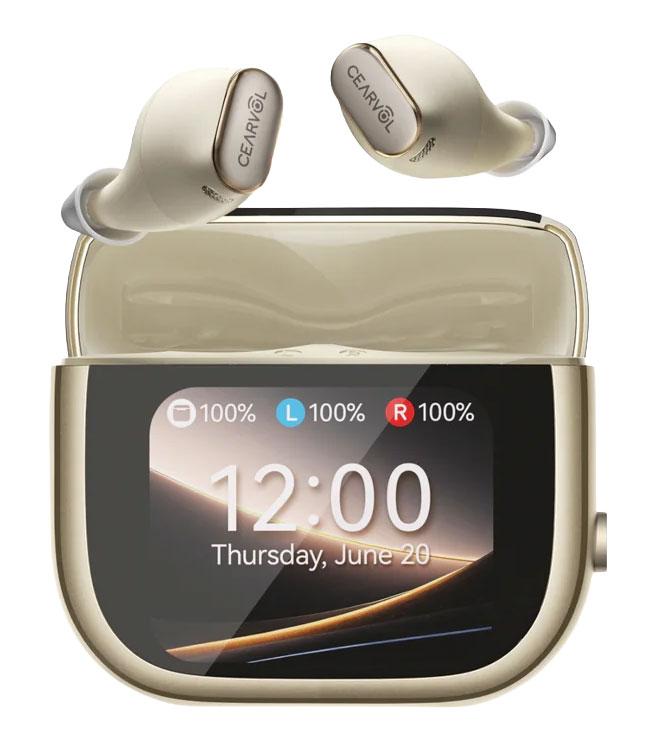
Find a physical remote for your hearing aids. Compare volume, program and mute controls, and check which buttons work with your model.
14 accessories
Charge Wave hearing aids, adjust their volume and listening mode, or send nearby speech or wired TV sound to them.
Adjust volume and listening direction on the original Nuance Audio Hearing Glasses.
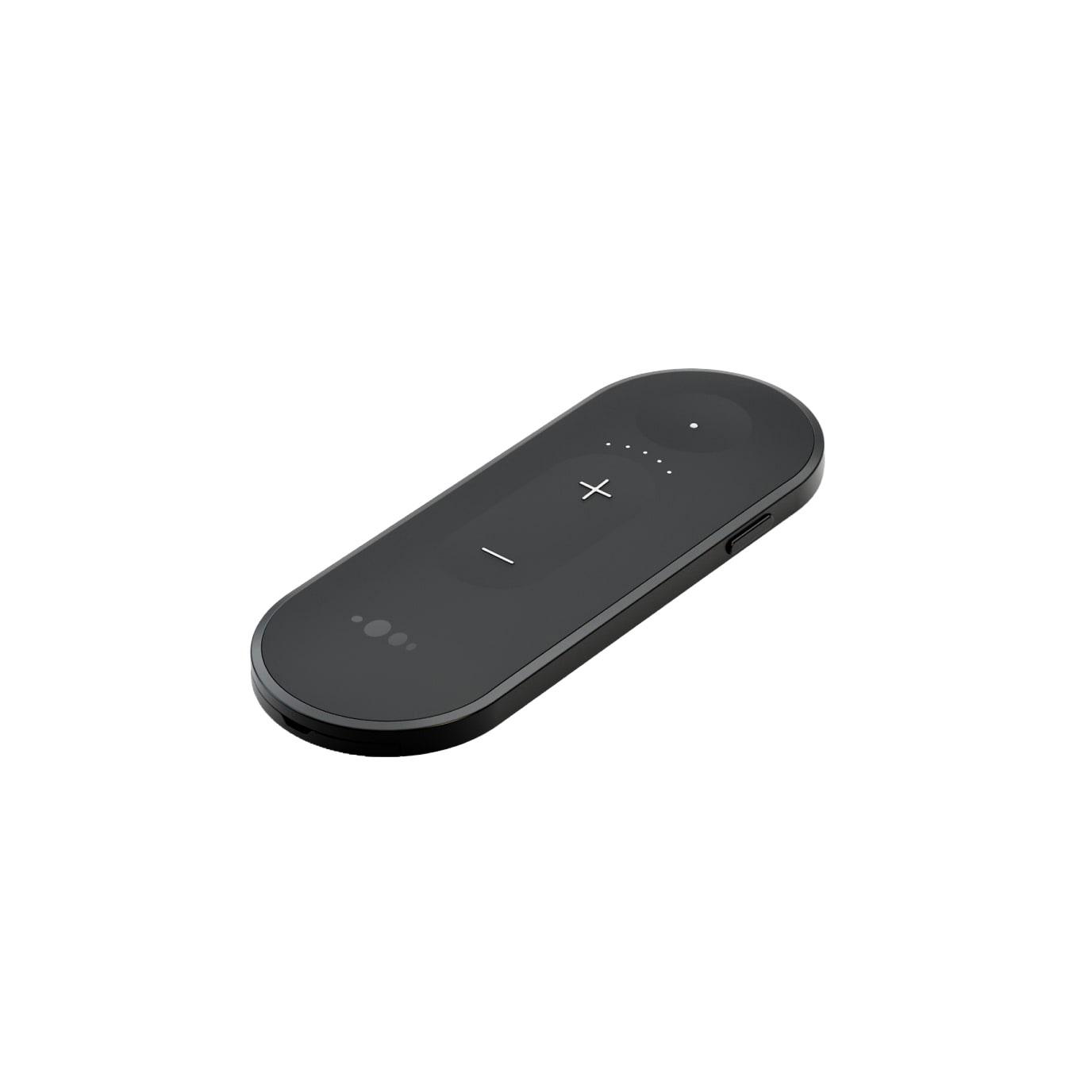
A clip-on microphone and hands-free headset for compatible Oticon hearing aids.

Adjust volume, change programs and mute compatible Oticon hearing aids with three physical buttons.
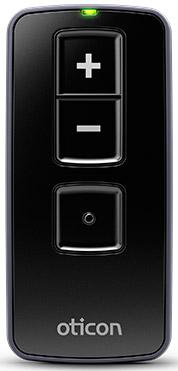
Adjust volume and change listening programs with physical buttons.

Hands-free phone calls, Bluetooth media streaming, and basic hearing-aid control on compatible devices.

Physical volume and program control for compatible hearing aids, with a status display and controls for supported streaming accessories.

Change hearing-aid volume and listening programs with a pocket-size remote.
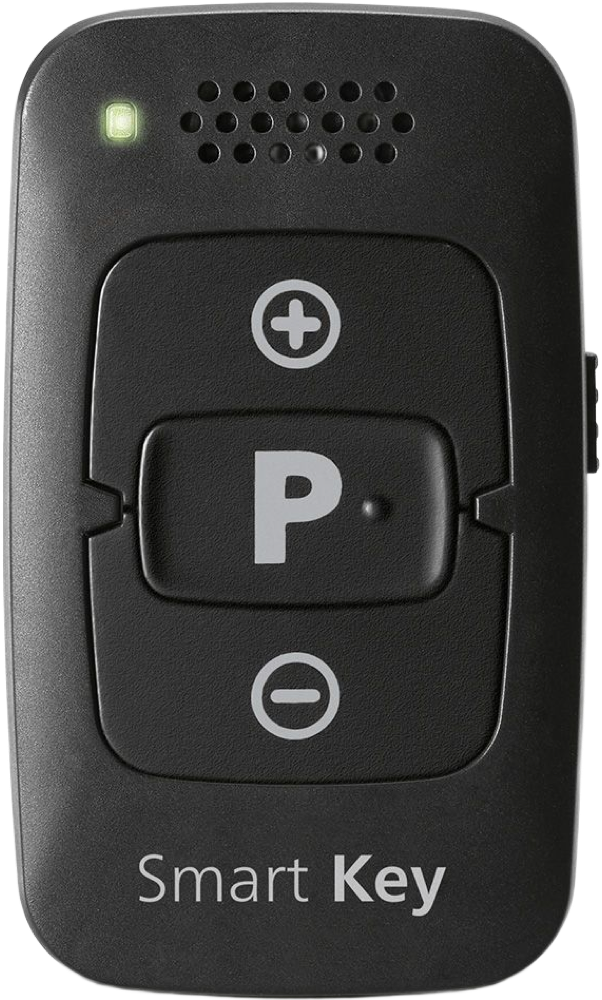
Adjust compatible Sennheiser hearing aids with physical volume and program buttons.
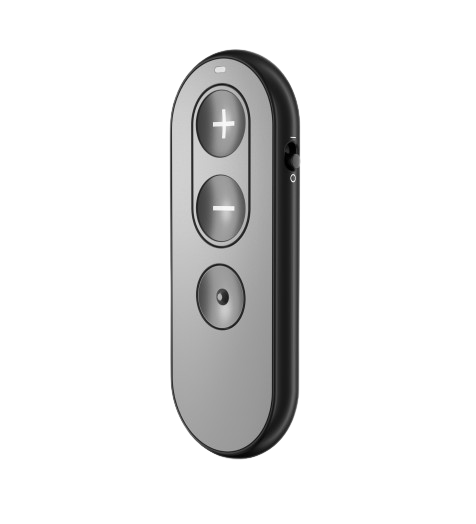
Adjust volume or cycle through fitted hearing programs without taking out your phone. The small remote attaches to a key ring.

Hear a conversation partner through a wearable microphone, or use the clip for Bluetooth calls, music and nearby hearing-aid controls.

Hear a conversation partner from farther away or in background noise, with the added option to change hearing-aid volume and programs.
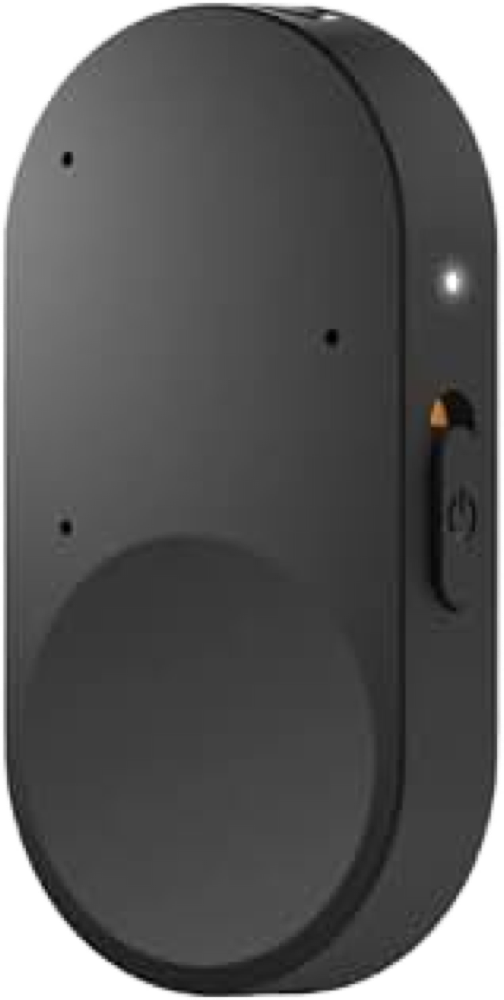
Change your hearing aids’ volume and listening program from a pocket-size remote without reaching for your phone.
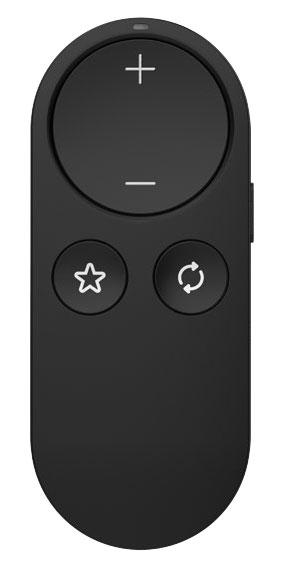
Adjust volume and change listening programs with a small remote you can carry on a key ring.
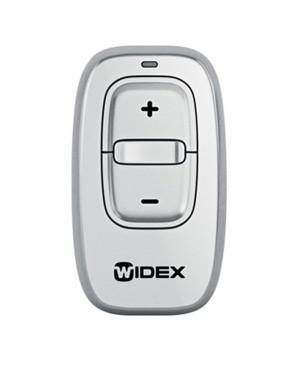
Choose based on the controls you actually use. Check whether the remote can mute the aids, change programs or adjust volume, and whether it needs a phone to set up or operate. If you prefer to use your phone, check for a compatible companion app.
Browse hearing aid companion apps